Related Blogs

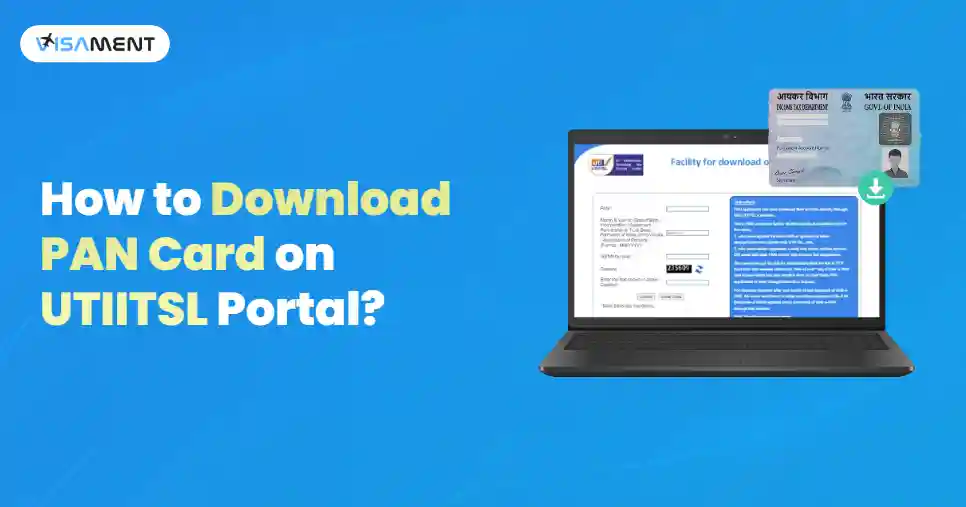
PAN card download provides individuals with access to an electronic version of their Permanent Account Number (PAN) card, issued by the Income Tax Department. You can easily download PAN card online through the official portal of UTIITSL. The e-PAN card is downloaded in the PDF format, and you can open it by using the PAN password.
In this guide, we have explained the process of UTI PAN Download, including the NRIs. You can also learn about the way to track its status, PAN card PDF format, and more.
Quick Link: UTI PAN Card Download
The facility for e PAN download UTI through the official portal is available for the applicants who have applied for a PAN card using the UTIITSL portal. You can download the new PAN card or updated PAN card without any cost within 30 days of PAN card allotment or receiving confirmation from the Income Tax Department. After the 30 days, you have to pay the extra charges of Rs 8.26.
Here is the process for UTI e PAN download:
Here are the steps for PAN download UTI for NRIs:
Have questions? Our experts guide you through every step for PAN Card for NRIs– no confusion, no delays.
Consult an Expert TodayIn case your PAN card is damaged, lost, or misplaced, you should apply for a PAN card reprint through the official UTIITSL portal.
Here are the steps to Reprint PAN card through the UTIITSL portal:
Here are the steps that you can follow to check UTI PAN status by using the application number:
After this, you can see the current status of your PAN application on the screen.
When you have applied for a PAN card download UTI, your PAN card will be sent to your email ID from the UTIITSL website as a PDF file.
For e-PAN download UTI PDF file, you can easily open it by entering the PAN card password. The password to open this PDF file is the date of birth or date of incorporation. The PAN Card PDF password format to open this e-PAN card PDF file is DDMMYYYY.
Example: If your date of birth is 22nd June, 1986, then the password to open your e-PAN card file would be 22061986.
The UTI PAN card download process is quite easy, and it can be completed through the UTIITSL portal. If you download it within the 30 days of the PAN card issuance, then it is free of cost; you have to pay a nominal fee. You need to make sure that your Aadhaar-linked mobile number is active to get the OTP for verification purposes.
You may also consider professional assistance if needed. Visament has many years of experience, and they can apply for your PAN card on your behalf, and you can receive it on time without facing any hassles.
The e-PAN card download link that you have received in your email is generally valid for a limited period, which is 24 hours or as it is specified in the email.
You can open the PAN card PDF by using the date of birth or date of incorporation as the password in the format of DDMMYYYY.
Yes, you can open a PAN card PDF file on your phone. This file is password-protected and generally requires you to enter your Date of Birth as the password in the format DDMMYYYY.
Here are the UTIITSL PAN card customer care numbers: +91 33 40802999, 033-40802999.
Vipul Jain is the Co-Founder of Visament, a trusted platform dedicated to simplifying Indian immigration, consular, and NRI services for applicants across the globe. With extensive expertise in OCI cards, Indian passport services, visa assistance, apostille and document legalization,... See Full Bio

Talk to our documentation experts for free guidance on your application.
PAN Card 2.0: New Features, Benefits and What Existing Holders Need to Know
PAN Card Status: How to Track PAN Application Status Online?
Minor PAN Card: How to Apply, Documents Required and Process
Business PAN Card: Eligibility, Documents & How to Apply
Minor PAN Card to a Major PAN Card - Benefits & Process


When you visit a website, it may store data about you using cookies and similar technologies. Cookies can be important for the basic operations of the website and for other purposes. You get the option of deactivating certain types of cookies, even so, doing that may affect your experience on the website.
It is required to permit the basic functionality of the website. You may not disable necessary cookies.
Used to provide advertising that matches you and your interests. May also be used to restrict the number of times you see an advertisement and estimate the effectiveness of an advertising campaign. The advertising networks place them after obtaining the operator's permission.
Permits the website to recognize the choices you make (like your username, language, or the region you are in). Also provides more personalized and enhanced features.
Aid the website operator to determine how the website performs, how visitors interact with the site, and whether there are any technical issues.