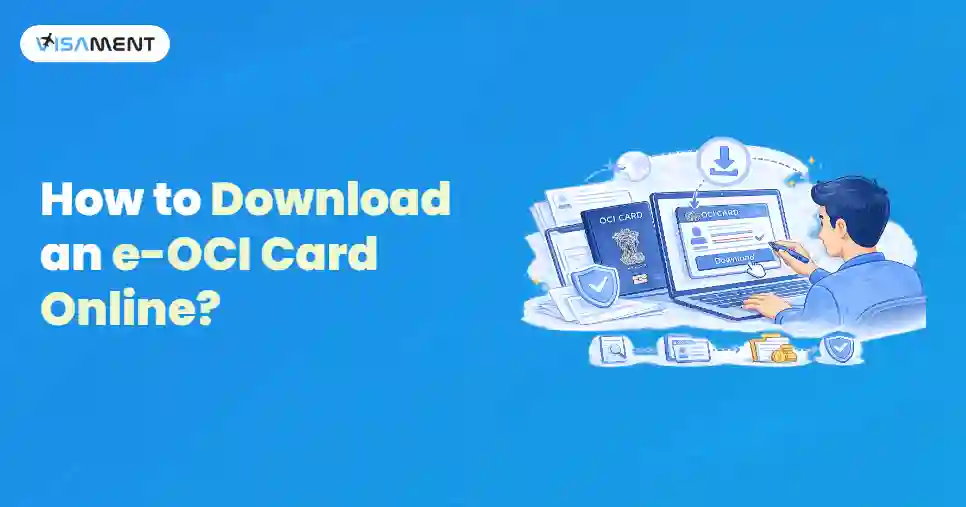
An card is a digitally signed copy of the Overseas Citizen of India (OCI) card. It can be downloaded from the official OCI portal and functions as a convenient digital copy of your OCI card. It can be accessed anywhere when it is required for verification, travel, or immigration purposes. Downloading an e OCI card is not difficult; however, many individuals encounter issues such as an inaccessible registered email address, incorrect login details, or incomplete OCI records.
This blog will help you understand the steps to download your e-OCI card, its common download issues, and how to avoid them.
Quick Link: Official OCI Portal
Quick Overview: Download e-OCI Card
- You must keep your OCI registration number and passport details ready.
- Visit the OCI portal to download your e OCI card.
- Make sure you enter all the details correctly.
- Save the eOCI card on your mobile as a PDF.
- Keep both the physical and printed copies for future use.
Who is Eligible to Download an e OCI Card?
You can download an OCI card under the following requirements.
- Your OCI application has been approved
- You have already received your OCI card
- Your OCI card details are available on the OCI portal
- Your registered email address is active and accessible
How to Download an e-OCI Card Online?
To download your e-OCI card online, follow the steps below.
- Create an account on the official OCI portal using your email address.
- Sign in to your OCI account.
- Access your OCI dashboard to view your OCI record.
- Select the e OCI Card option to generate your digital OCI card.
- Download and save the e OCI card PDF for future use.
Get Expert Help for an OCI Card Services!
Have questions? Our experts guide you through every step of the OCI card Service– no confusion, no delays.
Consult an Expert Today What to Do If You are Unable to Download Your e-OCI Card?
Many individuals are unable to download their e-OCI card because their registered email address is no longer accessible. If you have forgotten your old email account, it has been deleted, or it is no longer in use, you can use the OCI portal to update your registered email address through the OCI Miscellaneous Services section.
How to Update Your Registered Email Address for e-OCI Download?
If you are unable to access your registered email, follow the steps below.
- Create a new OCI portal account using your current email address.
- Select OCI Miscellaneous Services under Apply Online.
- Enter your OCI card number, date of birth, and linked passport number.
- Choose Email ID Updation, upload your OCI card PDF, and submit the request.
- Wait for approval to link your new email address to your OCI record.
Note: You can download your e-OCI card only after your email update request has been approved and linked to your OCI record.
Why is My e-OCI Card Not Downloading?
Besides an outdated email address, there can be several other reasons if you are unable to download your e-OCI card. These are:
- Incorrect OCI card number
- Wrong passport number
- Wrong date of birth
- OCI application still in process
- Incomplete OCI records
- Server issues on the OCI portal

Also Want to Know About
Check e-OCI Card Application Status Check Now!
Important Points Regarding the Email Address
A few necessary points to keep in mind are listed below.
- A single email address can be linked to multiple OCI cards.
- Parents can also update the email address of their children's OCI cards.
- You must always use an email address that you access regularly.
- Make sure all the OCI details are entered correctly.
Conclusion
Downloading your e-OCI card is very easy if your OCI records and registered email address are up to date. You can use your registered email address to log in to the OCI portal, generate your e-OCI card, and download it as a PDF. In cases where you do not have access to your registered email, you can use the email ID updation service through the OCI Miscellaneous Services. You must do this before trying to download your eOCI card. It is necessary to keep your contact information up to date to ensure uninterrupted access to OCI services in the future.
You can also visit the Visament website. They have trained professionals who can help you with your queries related to downloading your e-OCI card online and how to update your email address for downloading your e-OCI card.