Related Blogs

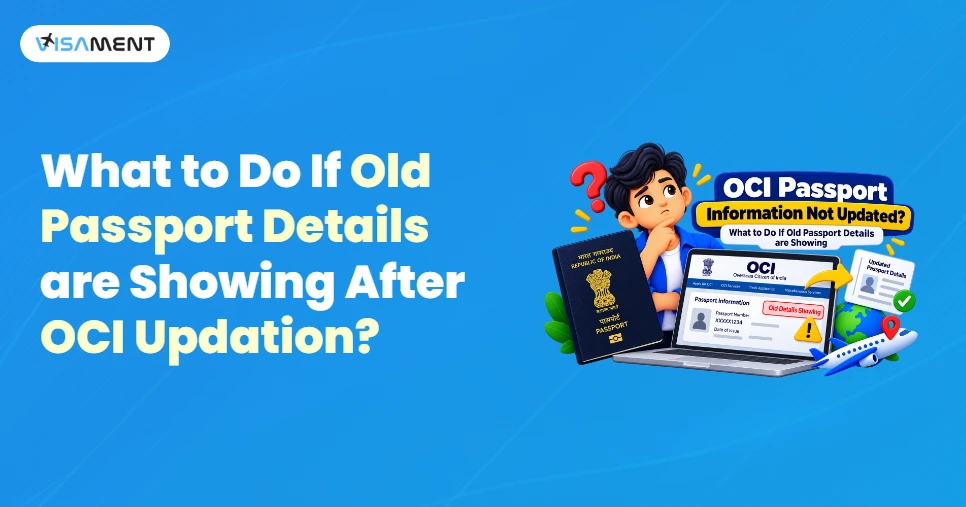
I applied for an OCI passport update, but my OCI passport information hasn't been updated. What should I do? This is the most frequently asked question by applicants who applied for the OCI passport update but still see their old details.
If you're facing this problem, first check your OCI application status and make sure that all the information you have entered is correct.
In this blog, we will explain what to do when your OCI passport information isn't updated, or your e-OCI shows the old passport number. This can be due to incorrect passport details or other reasons, which we'll explain below.
There are several reasons your OCI passport details aren't reflected, and only your old passport details appear. These include:
One major reason your OCI passport information isn't updated is that you haven't updated your OCI card with your new passport details. If you have obtained a new passport, you need to update your OCI card with the new details.
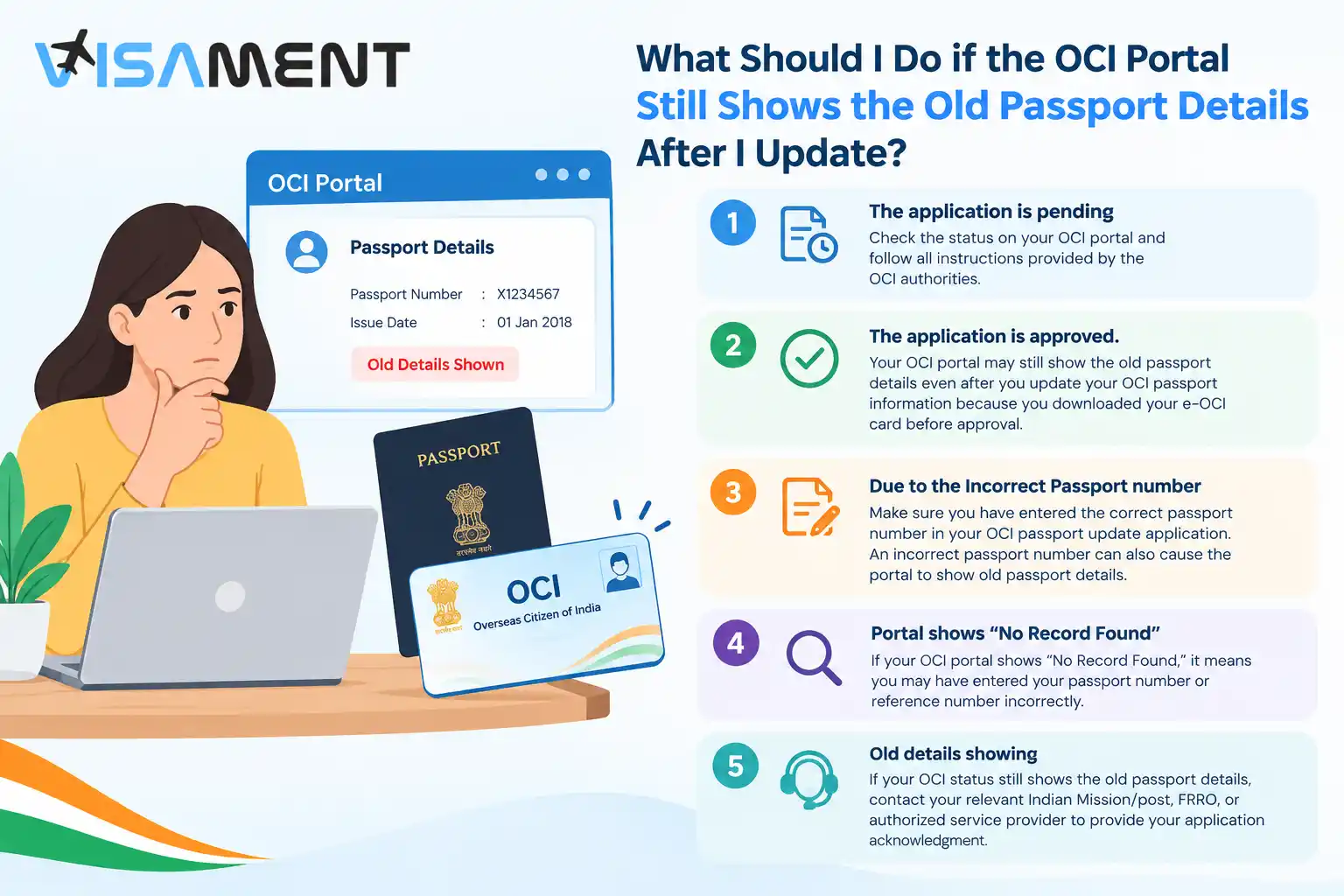
Another reason your OCI shows old passport details is that your application is still being processed. This means that your application has not been completely processed. Check your OCI card application status before taking any further action.
Another mistake applicants may make: if you download the old e-OCI card, it will show only your old passport details. So download your e-OCI card after the authorities approve your OCI application.
If you entered incorrect passport information in your OCI card application, your OCI passport information may not be updated. Any incorrect passport details will prevent your OCI passport details from being reflected.
If you applied for the OCI passport details update online, but your OCI still shows the old passport details, it may be due to the following reasons:
Note: Do not submit any invalid or duplicate documents; it will lead to your application being rejected or delayed. Before submitting, verify all documents against the OCI guidelines and instructions.
Have questions? Our experts guide you through every step of the OCI Card Application– no confusion, no delays.
Consult an Expert TodayFollow these steps to update your OCI card details if you have received a new passport but haven't uploaded it yet.
Applying for an Indian passport renewal does not mean you need to apply for a physical passport simply because your passport has changed.
You also need to follow all the guidelines and requirements for the OCI passport update. Some of the OCI passport updates also depend on the applicant's age and the applicable OCI registration rules.
For more information, check the official OCI Miscellaneous Services guidelines, then start the application process.
To update your OCI passport information, the portal gives you a three-month period during which you don't need to pay any fee for the OCI passport details update. If you apply after that period, you will need to pay fees based on the application type and applicable government rules.
If your OCI passport information is not updated, check your passport details and view the OCI application status to see whether it is pending, approved, or submitted. For the e-OCI application, go to the official OCI portal. After approval, click the e-OCI card download option, as downloading it before approval will show your old passport details again.
For any issues or queries related to the OCI passport details update online, contact your relevant Indian Mission/Post, FRRO, or Authorized OCI service provider. For your application, you can also take assistance from Visament agents, who will help you with the application process, documentation, and submitting your OCI passport update without any issues or queries.
If your OCI still shows your old passport details, your application may still be processing, or you may be seeing an old e-OCI card. To verify this, check the status of your OCI card application first.
To update your OCI with your new passport details, go to the official OCI service portal, navigate to OCI miscellaneous services, click Update Passport Particulars, and follow the OCI authorities' instructions.
In this situation, download your e-OCI card again and match the details with your passport. If it still shows the old details, contact the relevant Indian Mission or Post, FRRO, or an authorized OCI service provider.
No, you cannot travel if the details on your OCI card and passport do not match; you must provide matching documents for smooth travel. For more information, contact the Indian Mission or FRRO.
No, generally, if you apply to renew your passport, you do not also need to apply for a new OCI card. However, make sure your OCI card reflects all your updated passport details, following all rules and guidelines.
If the OCI portal still shows your old passport information, check your passport number and application reference number. If the problem continues, contact the relevant OCI support official.
Vipul Jain is the Co-Founder of Visament, a trusted platform dedicated to simplifying Indian immigration, consular, and NRI services for applicants across the globe. With extensive expertise in OCI cards, Indian passport services, visa assistance, apostille and document legalization,... See Full Bio

Talk to our documentation experts for free guidance on your application.
e-OCI Card Processing Time 2026: Real Applicant Timelines
Does OCI Card Expire? OCI Card Validity & Reissue Rules
Documents Required for OCI Miscellaneous Services: Complete Checklist
Common Issues Faced by OCI Cardholders After the e-OCI Launch
OCI Application Number Not Found: Why It Happens and How to Fix It?

When you visit a website, it may store data about you using cookies and similar technologies. Cookies can be important for the basic operations of the website and for other purposes. You get the option of deactivating certain types of cookies, even so, doing that may affect your experience on the website.
It is required to permit the basic functionality of the website. You may not disable necessary cookies.
Used to provide advertising that matches you and your interests. May also be used to restrict the number of times you see an advertisement and estimate the effectiveness of an advertising campaign. The advertising networks place them after obtaining the operator's permission.
Permits the website to recognize the choices you make (like your username, language, or the region you are in). Also provides more personalized and enhanced features.
Aid the website operator to determine how the website performs, how visitors interact with the site, and whether there are any technical issues.