Related Blogs

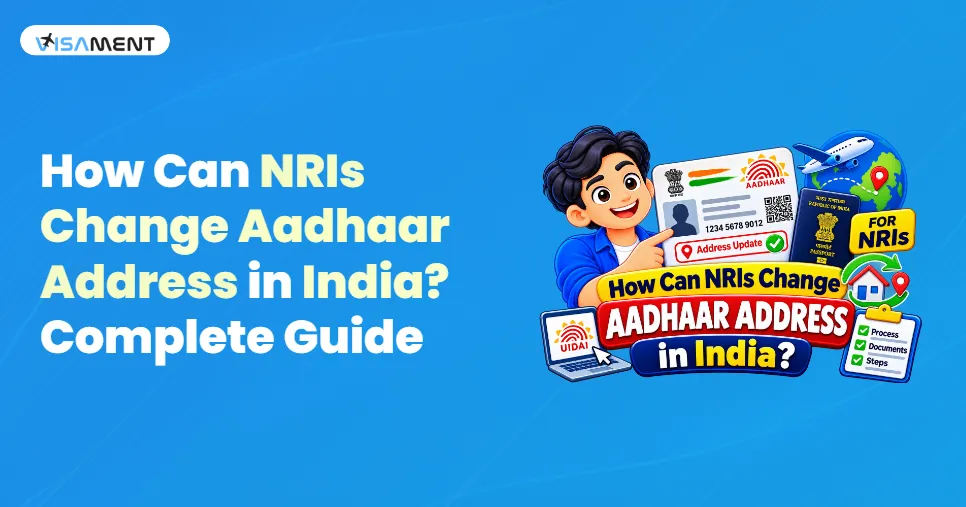
If you are an NRI with an Aadhaar card and want to change the address on your Aadhaar to a different Indian address, you can do so by submitting a valid Proof of Address accepted by the Unique Identification Authority of India (UIDAI).
For example, an NRI living in the USA may have an Aadhaar address in Delhi but want to update it to their family's current address in Jaipur, Mumbai, Bengaluru, or another Indian city.
The important point is that an NRI is not required to use the address mentioned in their Indian passport for the Aadhaar address update. UIDAI allows an NRI to provide another Indian address if they have an acceptable Proof of Address for that address.
This guide explains how NRIs can change their Aadhaar address in India, what documents are required, whether the process can be completed online, the applicable fee, and other important points.
Yes. NRIs can update their Aadhaar address to a different Indian address.
UIDAI's NRI guidance states that a valid Indian passport is mandatory as Proof of Identity (PoI) for NRI applicants, while an NRI who wants to provide an address different from the one in the passport can submit another valid Indian Proof of Address accepted by UIDAI.
Therefore, an NRI does not necessarily have to use the address printed in their passport.
Suppose you are an Indian citizen living in the USA and your Aadhaar currently shows:
Old Aadhaar Address:
Delhi, India
You want to update it to:
New Aadhaar Address:
Jaipur, Rajasthan, India
If you have an acceptable Proof of Address for the Jaipur address, you can request an Aadhaar address update.
If you have a registered mobile number and a valid Indian Proof of Address, you can use the online Aadhaar address update service.
Go to the official UIDAI myAadhaar portal and log in using your Aadhaar number and OTP.
The mobile number must be registered with your Aadhaar to use the online services.
After logging in, select the option for Aadhaar Address Update.
Enter the Indian address you want to add to your Aadhaar.
Make sure the address you enter matches the address shown on your supporting Proof of Address document.
UIDAI states that an online address update can be rejected if the address entered does not match the address in the submitted document.
Upload a clear scan or image of your valid Proof of Address.
UIDAI requires the supporting document to be valid, in the Aadhaar holder's name, and consistent with the address entered in the application.
Carefully check:
Correct any errors before submitting the request.
UIDAI's current My Aadhaar information lists ₹75 for an address update service.
After successfully submitting the request, UIDAI generates a Service Request Number (SRN).
The SRN can be used to track the status of the Aadhaar address update request. UIDAI states that the SRN is displayed after submission and is also sent by SMS to the registered mobile number.
Have questions? Our experts guide you through every step of the OCI Card Service– no confusion, no delays.
Consult an Expert TodayAn NRI can also update their Aadhaar address at an Aadhaar Enrolment/Update Centre in India.
This option can be useful if:
UIDAI allows Aadhaar holders to update their address by visiting an Aadhaar Enrolment Centre with a valid Proof of Address.
NRIs who want to change their Aadhaar address to another Indian address generally need:
If the new Indian address is different from the address mentioned in the passport, the NRI can submit another UIDAI-accepted Proof of Address for the new address. The address entered in the application should match the supporting document.
Not necessarily for an online address update.
UIDAI provides online Aadhaar services, and its guidance specifically states that NRIs can submit documents online or at an Aadhaar Centre when they are in India.
However, some Aadhaar services require a visit to an Aadhaar Enrolment/Update Centre.
Therefore, if your requirement is only an address update, check whether the service is available through the online myAadhaar route before planning a visit to India.
An NRI can use an Indian address if they have an acceptable Proof of Address for that address.
If you are using a family member's address, do not assume that simply providing the family member's Aadhaar is automatically sufficient. UIDAI has specific provisions for Head of Family (HoF)-based address updates, and the applicable relationship and supporting-document requirements must be followed.
Therefore, NRIs should choose the appropriate address-update method based on the documents available to them.
The current UIDAI information lists the fee for an address/demographic update as ₹75 when the update is performed separately.
UIDAI also provides different charges for certain other services, so applicants should verify the applicable fee on the official UIDAI portal before submitting a request.
The processing time can vary depending on UIDAI's verification and processing requirements.
Therefore, applicants should not assume that the updated address will appear immediately after submitting the request.
Once the request is submitted, retain the SRN/acknowledgement number and use UIDAI's status-check facility to monitor the application.
When updating an Indian address on Aadhaar, NRIs should avoid the following mistakes:
Make sure your document is included in UIDAI's current acceptable-document list.
The address entered in the application should correspond with the address shown on the Proof of Address.
Blurry or incomplete scans can cause problems during document verification.
For NRI Aadhaar purposes, the passport is mandatory as PoI, but UIDAI allows an NRI to provide another Indian address supported by an acceptable PoA.
Always save the acknowledgement and SRN after submitting the update request.
Aadhaar updates should be submitted through UIDAI's official channels, rather than websites claiming to be government portals.
NRIs can change their Aadhaar address to another Indian address. You do not necessarily have to use the address mentioned in your Indian passport. If you have a valid Indian Proof of Address for the new address, you can request an Aadhaar address update through the available UIDAI online service or at an Aadhaar Enrolment/Update Centre in India.
Before submitting the request, make sure your Proof of Address is valid, belongs to you, and matches the new address entered in the application. Keeping the SRN/acknowledgement after submission is also important for tracking the request.
For an eligible address update, UIDAI provides online services through myAadhaar. NRIs can submit documents online, while some services may require an Aadhaar Centre visit in India.
For NRI enrolment/update, UIDAI's NRI guidance specifies a valid Indian passport as mandatory Proof of Identity.
Yes. UIDAI specifically says that an NRI can provide another Indian address with a valid Proof of Address if the passport address is different.
Potentially, but the appropriate UIDAI address-update method and supporting documents must be used. If the address is being updated through a Head of Family mechanism, the relevant relationship and documentation requirements apply.
After an online address update request is submitted, UIDAI generates an SRN, which can be used to track the request.
Vipul Jain is the Co-Founder of Visament, a trusted platform dedicated to simplifying Indian immigration, consular, and NRI services for applicants across the globe. With extensive expertise in OCI cards, Indian passport services, visa assistance, apostille and document legalization,... See Full Bio

Talk to our documentation experts for free guidance on your application.



When you visit a website, it may store data about you using cookies and similar technologies. Cookies can be important for the basic operations of the website and for other purposes. You get the option of deactivating certain types of cookies, even so, doing that may affect your experience on the website.
It is required to permit the basic functionality of the website. You may not disable necessary cookies.
Used to provide advertising that matches you and your interests. May also be used to restrict the number of times you see an advertisement and estimate the effectiveness of an advertising campaign. The advertising networks place them after obtaining the operator's permission.
Permits the website to recognize the choices you make (like your username, language, or the region you are in). Also provides more personalized and enhanced features.
Aid the website operator to determine how the website performs, how visitors interact with the site, and whether there are any technical issues.